
Entries and the Entries list
Updated November 10, 2026
When someone chooses a picture, swatch or icon, the entry shows it, not just the words.
The entry screen
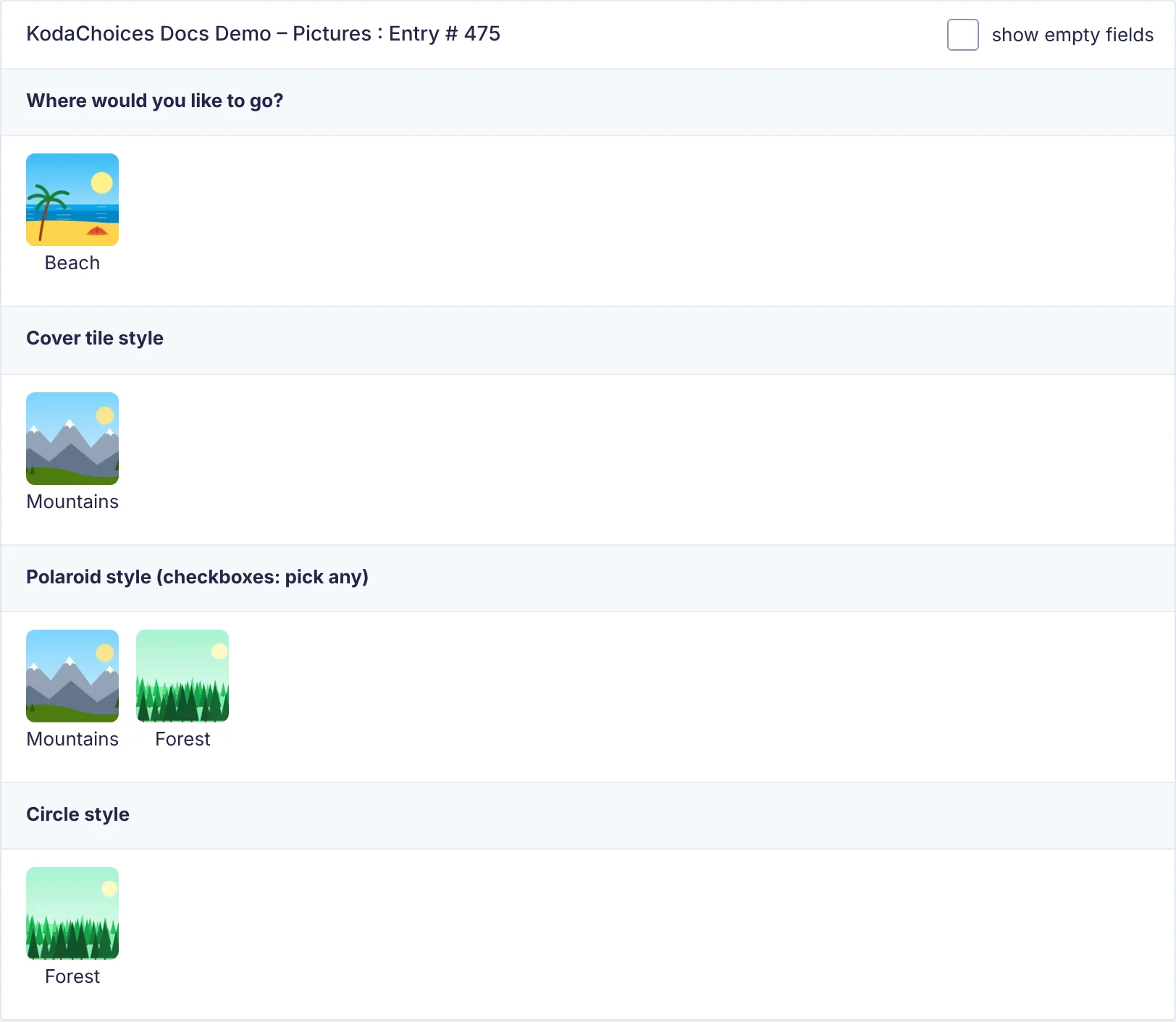
Each chosen choice shows its picture, swatch or icon above its label. Patterned swatches show their pattern; quantities show as Coffee × 3.
To show plain text instead, untick Show pictures, swatches and icons in entries, notifications and PDFs in the field’s KodaChoices section. That setting also covers notifications and PDFs.
The Entries list
Tick Show small pictures, swatches and icons in the Entries list in the field’s KodaChoices section to put a small picture next to the answer in the Entries list. It’s off by default, as small pictures make long lists taller.
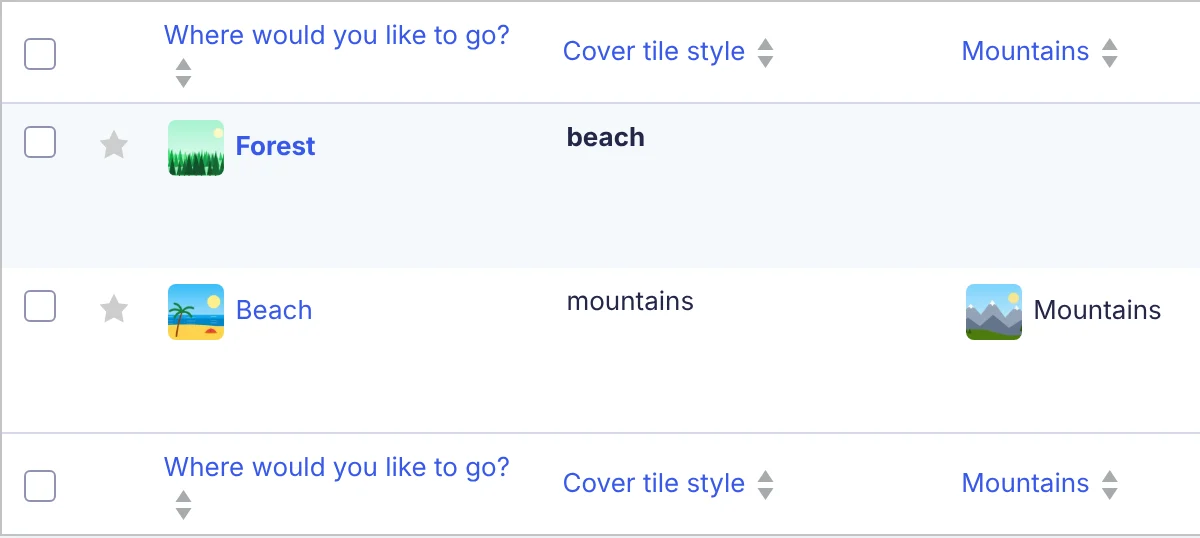
For Checkboxes, it works whether the column shows the whole field or one checkbox.
What’s saved
KodaChoices saves nothing different: the entry holds the choice’s value, as it would without KodaChoices. Quantities are saved alongside, in the entry’s meta. Editing an entry in WordPress uses Gravity Forms’ plain choices.
Button mode has nothing extra to show, so entries show the label as usual.
Thanks for letting us know.